Complete Guide to Minimal Black Theme
A comprehensive guide to all features and capabilities of the Minimal Black Hugo theme
Welcome to the complete guide for the Minimal Black Hugo theme!
This post demonstrates all the features, components, and customization options available in the theme.
Introduction
Minimal Black is designed for developers, designers, and everybody who want a clean, fast, and beautiful personal website.
This guide will walk you through every feature with examples you can use in your own content.
Typography & Text Formatting
Headings
The theme supports all six heading levels with proper hierarchy and spacing:
Heading 1
Heading 2
Heading 3
Heading 4
Heading 5
Heading 6
Each heading automatically gets an anchor link (hover to see the # symbol) for easy linking.
Text Emphasis
Use standard Markdown for text formatting:
- Bold text for emphasis
- Italic text for subtle emphasis
- Bold and italic for strong emphasis
Strikethroughfor deleted contentInline codefor code references
You can also highlight text using the mark syntax (if enabled in your config).
Links
Links are styled with subtle hover effects:
Lists
Unordered Lists
Simple bullet lists:
- First item
- Second item
- Nested item 1
- Nested item 2
- Deeply nested item
- Third item
Ordered Lists
Numbered lists:
- First step
- Second step
- Sub-step A
- Sub-step B
- Third step
Task Lists
Interactive checkboxes:
- Completed task
- Another completed item
- Pending task
- Another pending item
- Nested completed
- Nested pending
Task lists are great for project planning, feature tracking, or tutorial steps.
Definition Lists
For glossary-style content:
- Hugo
- A fast static site generator written in Go
- Markdown
- A lightweight markup language for formatting text
- Tailwind CSS
- A utility-first CSS framework
Blockquotes
Standard Blockquotes
Simple quotes with gradient background:
This is a standard blockquote. It has a subtle gradient background and a colored left border for visual distinction.
Multi-paragraph blockquotes work too.
They maintain proper spacing between paragraphs while keeping the unified look.
Nested Blockquotes
You can nest quotes:
This is the outer quote.
This is a nested quote inside.
You can nest multiple levels.
GitHub-Style Alerts
The theme supports GitHub-flavored alert callouts:
This is a note callout. Use it for informational content that readers should be aware of.
This is a tip callout. Perfect for helpful suggestions and best practices.
This is an important callout. Use it for critical information that must not be missed.
This is a warning callout. Great for cautionary information and potential pitfalls.
This is a caution callout. Use for dangerous actions or critical warnings.
Code Blocks
Inline Code
Reference code inline with backticks.
Great for mentioning variables, functions(), or file-names.txt.
Basic Code Blocks
Simple code blocks without syntax highlighting:
This is a plain code block.
No syntax highlighting.
Perfect for plain text or output.Syntax Highlighted Code
The theme supports syntax highlighting for dozens of languages:
JavaScript:
const greet = (name) => {
  console.log(`Hello, ${name}!`);
  return `Welcome to the Minimal Black theme`;
};

// Async/await example
async function fetchData(url) {
  try {
    const response = await fetch(url);
    const data = await response.json();
    return data;
  } catch (error) {
    console.error('Error fetching data:', error);
  }
}Python:
def fibonacci(n):
    """Calculate fibonacci number recursively."""
    if n <= 1:
        return n
    return fibonacci(n-1) + fibonacci(n-2)

# List comprehension example
squares = [x**2 for x in range(10)]
print(squares)Go:
package main

import "fmt"

func main() {
    // Simple HTTP server
    http.HandleFunc("/", func(w http.ResponseWriter, r *http.Request) {
        fmt.Fprintf(w, "Hello, World!")
    })

    http.ListenAndServe(":8080", nil)
}Bash:
#!/bin/bash

# Deploy script
hugo --minify
rsync -avz public/ user@server:/var/www/
echo "Deployment complete!"CSS:
/* Dark theme variables */
:root {
  --color-bg: #000000;
  --color-accent: #c084fc;
  --transition: all 0.2s ease;
}

.button {
  background: var(--color-accent);
  transition: var(--transition);
}HTML:
<!DOCTYPE html>
<html lang="en">
<head>
  <meta charset="UTF-8">
  <title>Minimal Black</title>
</head>
<body>
  <h1>Welcome!</h1>
</body>
</html>Code Block Features
All code blocks include:
- Language Label — Shows the language in top-right corner
- Copy Button — Click to copy code to clipboard
- Line Numbers — Optional (configure in hugo.toml)
- Syntax Highlighting — Powered by Hugo’s Chroma
Tables
Basic Tables
| Feature | Supported | Notes |
|---|---|---|
| Dark Mode | ✅ | True black backgrounds |
| Search | ✅ | Client-side, fast |
| TOC | ✅ | Auto-generated |
| Analytics | ✅ | Multiple providers |
Aligned Columns
| Left Aligned | Center Aligned | Right Aligned |
|---|---|---|
| Left | Center | Right |
| Text | Text | 100 |
| More | Data | 250 |
Complex Tables
| Language | Supported | Syntax Highlighting | Code Blocks |
|---|---|---|---|
| JavaScript | ✅ | ✅ | Yes |
| Python | ✅ | ✅ | Yes |
| Go | ✅ | ✅ | Yes |
| Rust | ✅ | ✅ | Yes |
| TypeScript | ✅ | ✅ | Yes |
Tables are responsive and scroll horizontally on small screens.
Images
Basic Image

Image with Caption
Images automatically get a lightbox overlay on hover (magnifying glass icon appears).
Multiple Images
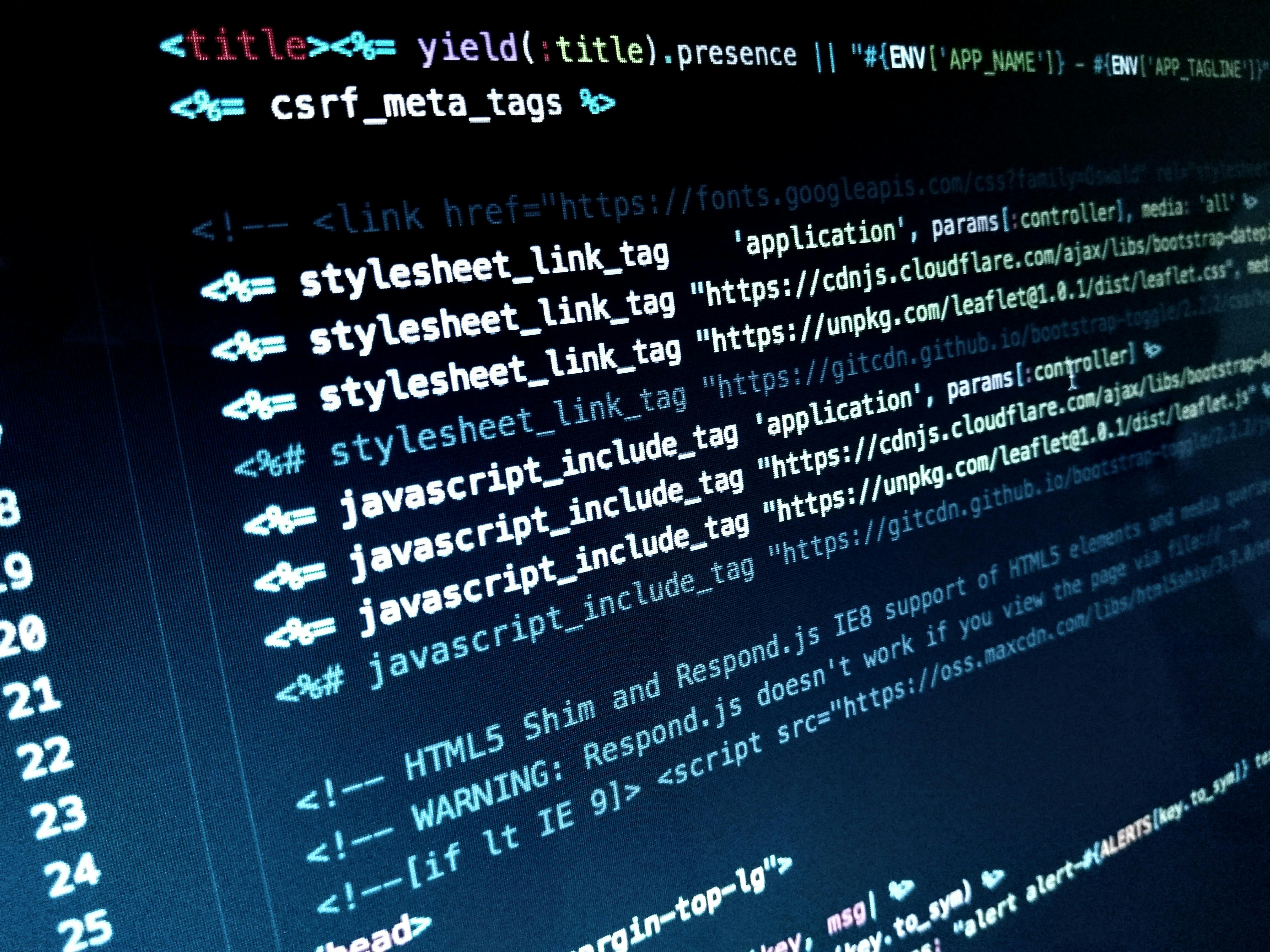

Stock Images obtained from pexels.com
Images are responsive and scale to fit the content width.
Gallery Shortcode
Use the gallery shortcode for image collections:
The gallery includes:
- Lightbox functionality
- Click to view full size
- Navigate between images
- Responsive grid layout
Mermaid Diagrams
Flowchart
graph TD
    A[Start] --> B{Is it dark mode?}
    B -->|Yes| C[Load dark theme]
    B -->|No| D[Load light theme]
    C --> E[Render page]
    D --> E
    E --> F[User sees beautiful site]
Sequence Diagram
sequenceDiagram
    participant User
    participant Browser
    participant Hugo
    participant Theme

    User->>Browser: Visit site
    Browser->>Hugo: Request page
    Hugo->>Theme: Render template
    Theme->>Hugo: Return HTML
    Hugo->>Browser: Serve page
    Browser->>User: Display site
Class Diagram
classDiagram
    class Theme {
        +String name
        +String version
        +render()
        +configure()
    }
    class Config {
        +Object params
        +validate()
    }
    class Content {
        +String title
        +Date date
        +render()
    }

    Theme --> Config
    Theme --> Content
Horizontal Rules
Separate sections with horizontal rules:
Like this one above. They create clear visual breaks in content.
Footnotes
You can add footnotes1 to your content. They appear at the bottom of the page2.
Shortcodes
Alert Shortcode
Use the alert shortcode for callouts:
Table of Contents
This page demonstrates the automatic table of contents:
- Desktop: TOC appears in left sidebar
- Tablet: TOC is hidden for more reading space
- Mobile: TOC is completely hidden
The TOC automatically:
- Tracks your scroll position
- Highlights the current section
- Links to all headings (H2-H4)
- Stays visible while scrolling (sticky)
Dark & Light Mode
The theme supports both dark and light modes:
Dark Mode (Default)
- True black backgrounds (#000000)
- OLED-friendly
- Purple accents (#c084fc)
- Reduced eye strain in low light
Light Mode
- Clean white backgrounds
- High contrast for daylight reading
- Purple accents (#a855f7)
- Print-friendly
System Mode
- Automatically matches OS preference
- Respects user’s system settings
- Seamless switching
Users can toggle between modes using the theme switcher in the navigation.
Search Functionality
Press Ctrl/Cmd + K to try the search:
- Type your query
- Results appear instantly
- Use arrow keys to navigate
- Press Enter to visit page
- ESC to close
The search:
- Is client-side (no server needed)
- Searches titles and summaries
- Highlights matching text
- Works offline
Navigation
The theme includes:
Header Navigation
- Logo/brand name
- Main menu links
- Theme toggle
Footer
- Copyright notice
- Social links
- Attribution
Floating Dock (Bottom Right)
- Quick actions
- Scroll to top
Responsive Design
The theme is fully responsive:
Mobile (< 640px)
- Single column layout
- Collapsible menu
- Touch-friendly buttons
- Optimized images
Tablet (641px - 1023px)
- Two column where appropriate
- Adjusted spacing
- Tablet-optimized navigation
Desktop (1024px+)
- Full layout with TOC sidebar
- Wider content area
- Hover effects
- Keyboard shortcuts
Performance
The theme is optimized for performance:
- Minimal JavaScript
- Optimized CSS
- Fast Loading
- SEO Optimized — Meta tags, structured data
Customization Examples
Changing Accent Color
Edit assets/css/base.css:
:root {
  --color-accent: #10b981; /* Green instead of purple */
}Adding Custom Fonts
In your hugo.toml:
[params]
customFonts = ["https://fonts.googleapis.com/css2?family=Inter:wght@400;600;700&display=swap"]Custom CSS
Create assets/css/custom.css:
.my-custom-element {
  /* Your styles */
}Best Practices
Content Organization
- Use clear, descriptive titles
- Break content into sections with headings
- Add tags and categories
- Include descriptions in frontmatter
- Use featured images for posts
Performance
- Optimize images before uploading
- Use SVG for logos and icons
- Minimize custom JavaScript
- Leverage Hugo’s asset pipeline
SEO
- Write descriptive meta descriptions
- Use semantic HTML headings
- Add alt text to images
- Create an XML sitemap
- Submit to search engines
Conclusion
This guide covered all major features of the Minimal Black theme. You now know how to:
- ✅ Format text and create rich content
- ✅ Use code blocks with syntax highlighting
- ✅ Add images and galleries
- ✅ Create diagrams with Mermaid
- ✅ Organize content with TOC
- ✅ Customize colors and styles
- ✅ Optimize for performance
- ✅ Make content SEO-friendly
Start creating amazing content with Minimal Black!
Documentation: Full Docs
Repository: GitLab
Issues: Report a Bug